Category: Uncategorized

  • Essential Accessories for Your HAM and GMRS Radio Setup

    Essential Accessories for Your HAM and GMRS Radio Setup

    10 Must-Have Accessories for HAM and GMRS Radios

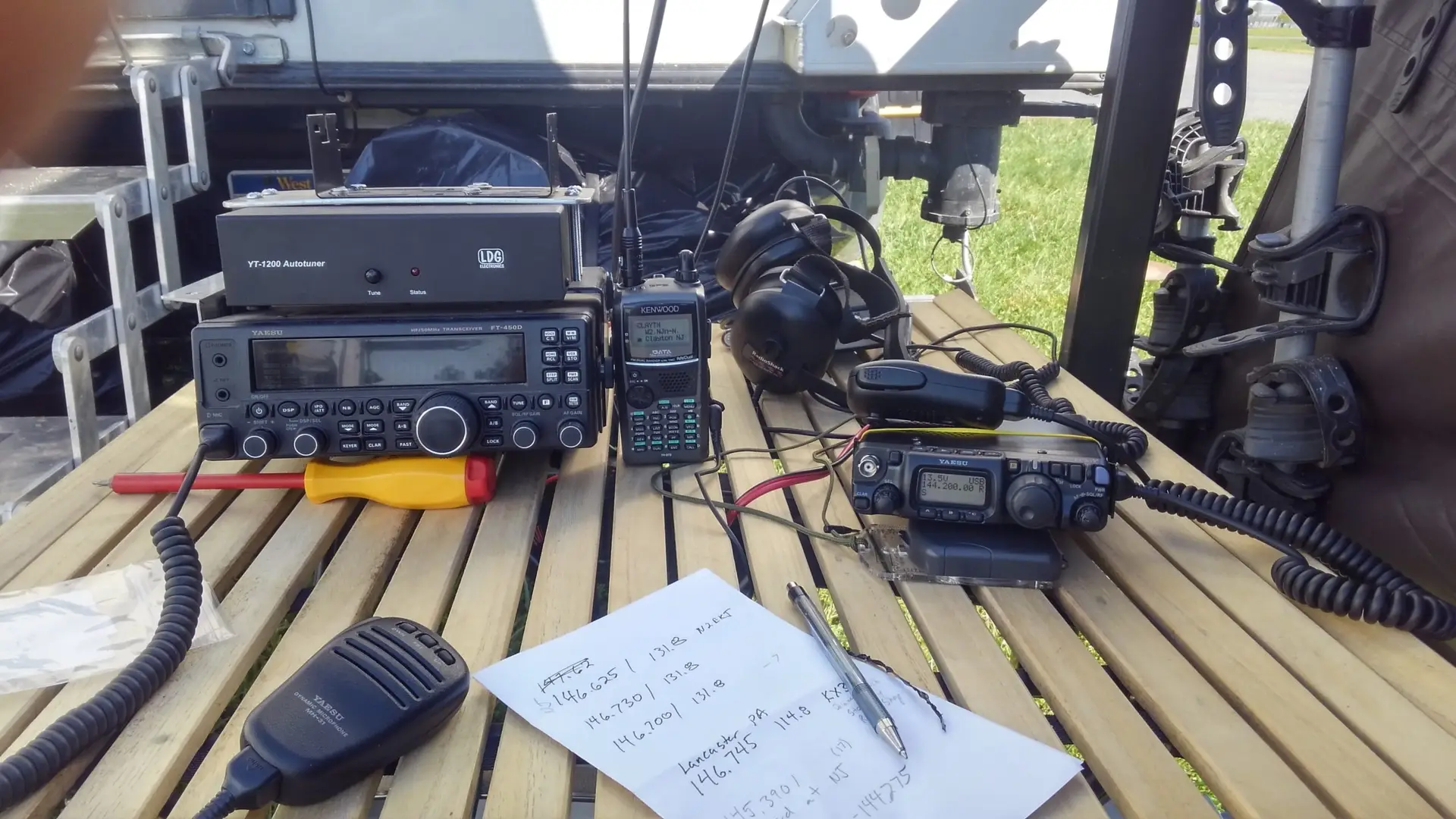
    Stepping into the world of HAM and GMRS radios unlocks incredible potential for communication, from casual chats with local friends to reaching across continents and providing critical support during emergencies. However, the experience delivered by your radio is only as good as the accessories that support it. A bare radio is a starting point, not a finished toolkit. To truly unlock performance, reliability, and convenience, you need to equip yourself with the right gear.

    Here are the top 10 must-have HAM and GMRS radio accessories to build a robust and effective setup.


    1. High-Performance Antennas
    41Tdqm5jnL. AC SX679

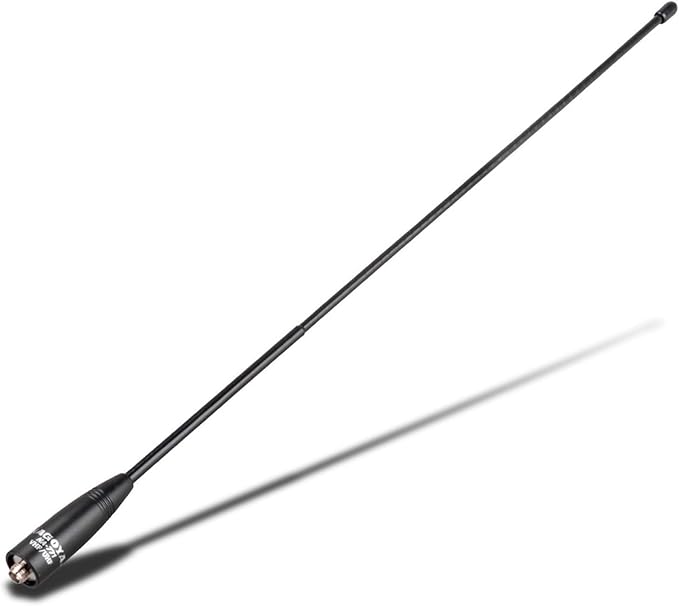
    The single most impactful upgrade for any radio is its antenna. The small rubber “duck” antenna that comes with most handhelds is built for portability, not performance. Upgrading to a higher-gain aftermarket antenna can dramatically improve both transmit and receive capabilities.

    👉 Recommended: Nagoya NA-771 Dual Band Antenna


    2. Quality Coaxial Cable
    41G8mcNFdAL. SX522

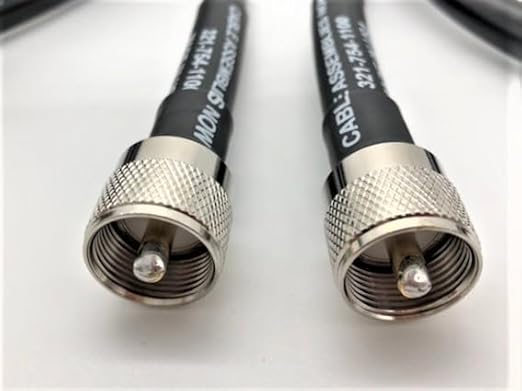
    Even the best antenna is useless with poor-quality coax. Using low-loss coaxial cable like LMR-400 or RG-8X ensures maximum power transfer and minimal signal loss.

    👉 Recommended: LMR-400 Coaxial Cable


    3. Mobile Mounting Kits
    61TmV4BVFQL. AC SY679

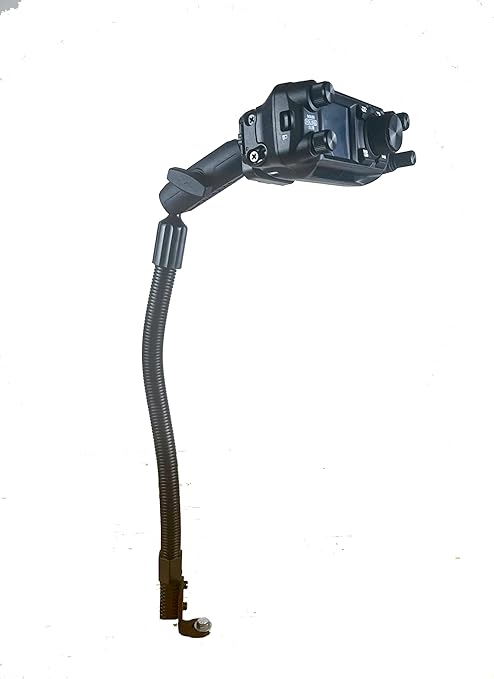
    For GMRS and HAM mobile radios, a proper mounting kit keeps your setup stable and safe.

    👉 Recommended: Lido LM-300 Universal Radio Mount


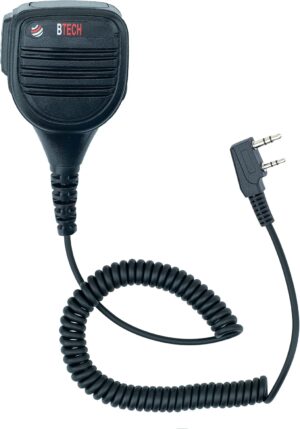
    4. External Microphones and Speaker Mics
    71dmg5QDlhL. AC SL1500 300x429 1

    Using an external mic or speaker mic not only improves audio clarity but also adds convenience when operating on the go.

    👉 Recommended: BTECH QHM22 Speaker Mic


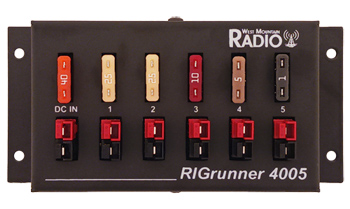
    5. Power Distribution Boxes
    4005

    For mobile setups, a dedicated power distribution box wired directly to your vehicle’s battery ensures clean, stable power without draining a lighter socket.

    👉 Recommended: RIGrunner 4005 Power Distribution


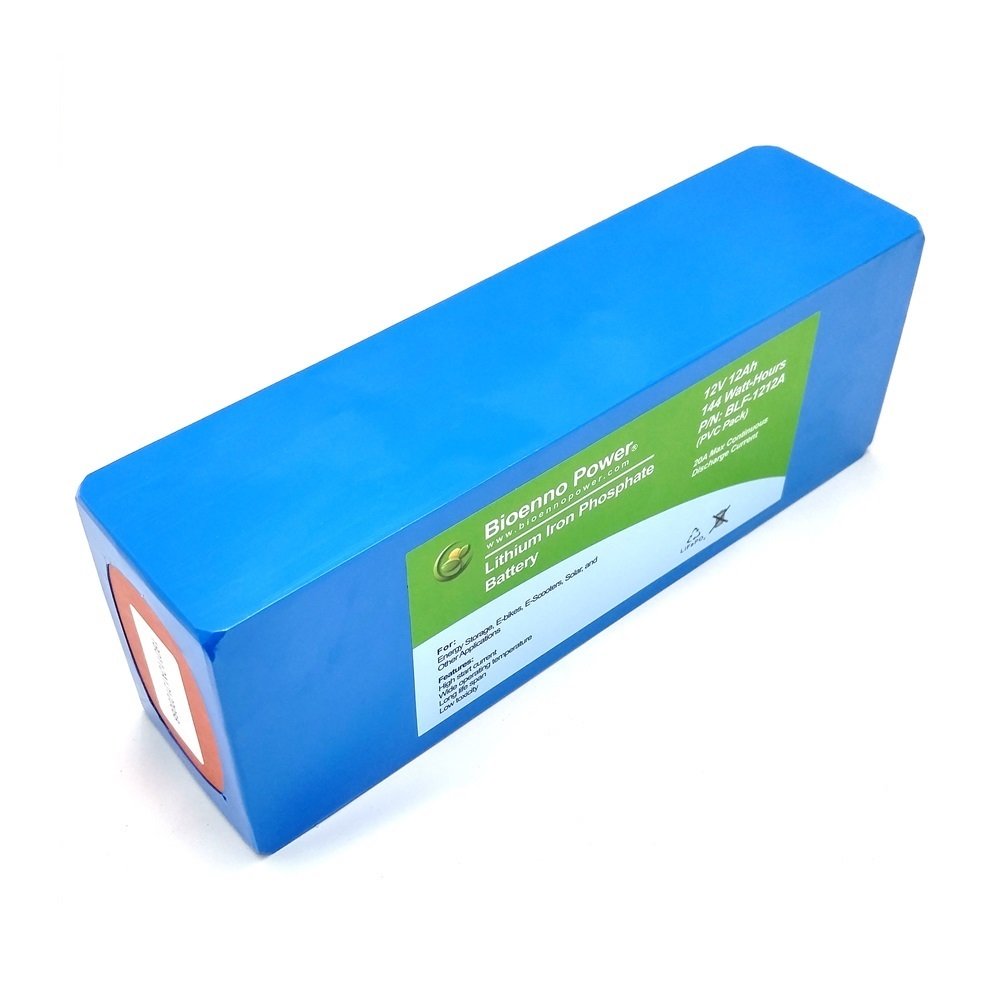
    6. Portable Battery Packs
    61W71ga0g L

    For off-grid and field operations, a LiFePO4 battery pack can run a 50-watt mobile unit for hours. Pair it with a solar panel for indefinite operation.

    👉 Recommended: Bioenno LiFePO4 Battery Pack


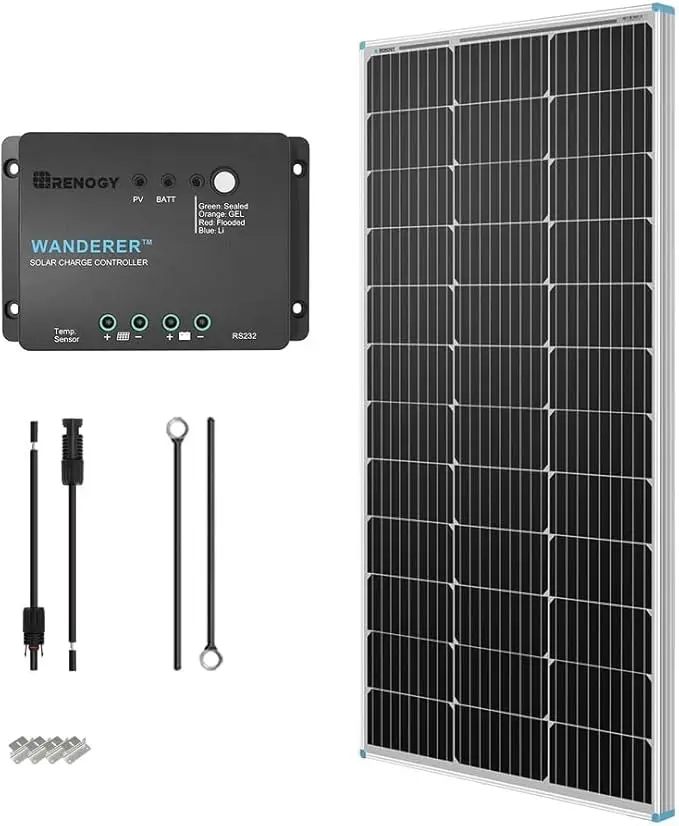
    7. Solar Charging Solutions
    61yXMVnl07L. AC SX679

    (Insert Image: folding solar panel charging radios outdoors)

    A portable solar panel ensures your radios stay powered during emergencies or long outdoor trips.

    👉 Recommended: Renogy 100W Solar Panel Kit


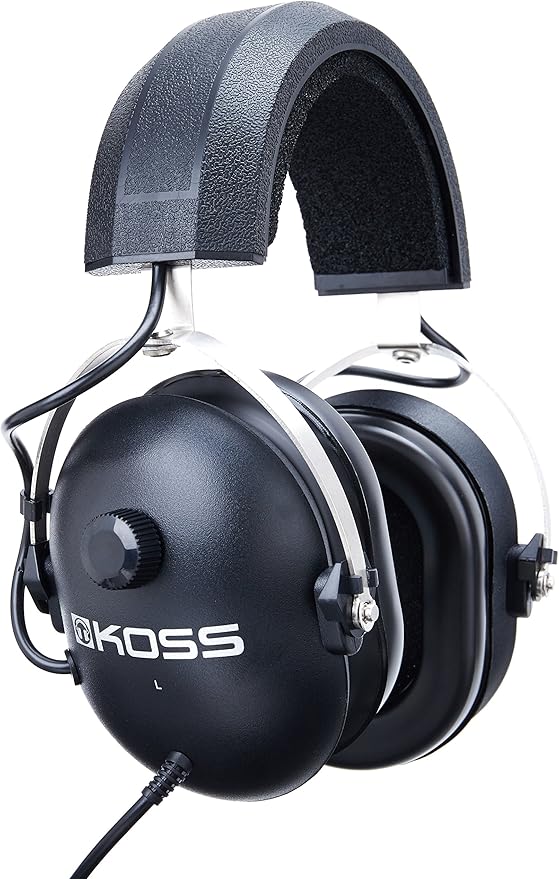
    8. Noise-Cancelling Headsets
    914W2oi686L. AC SY879

    Clear communication is critical. A noise-cancelling headset cuts through background static and outdoor noise, making your transmissions crystal clear.

    👉 Recommended: Koss Noise Reduction Headset


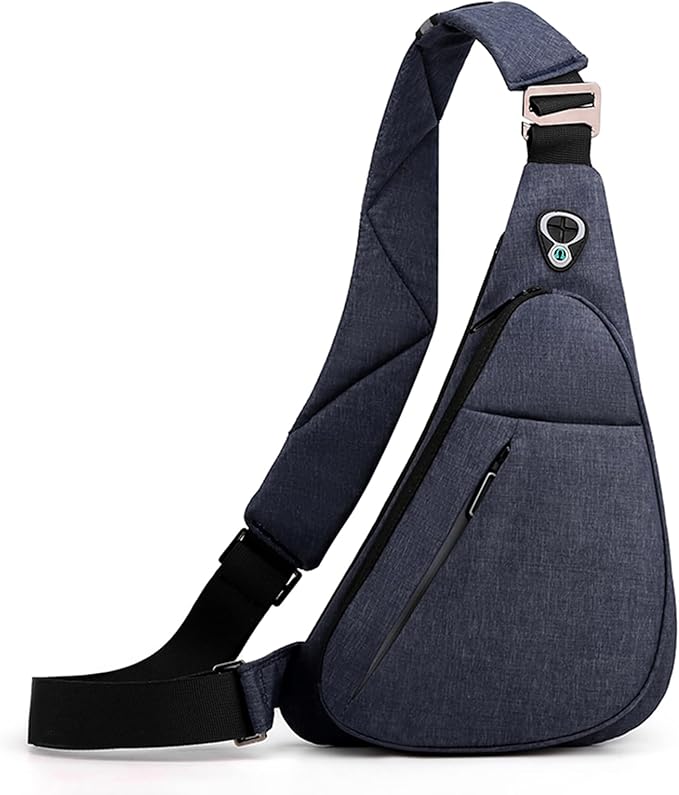
    9. Protective Cases and Go-Bags
    61eV9VfgeUL. AC SX679

    Whether you’re hiking with a GMRS radio or running a HAM emergency drill, a padded case or tactical go-bag protects your investment.

    👉 Recommended: MAXTOP Tactical Sling Bag


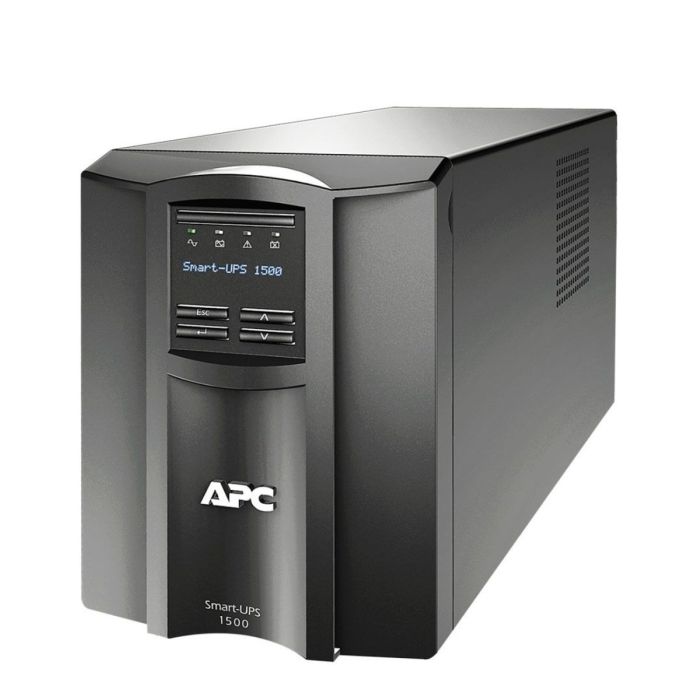
    10. Backup Power at Home
    smt1500 1 1 1

    A reliable backup power system ensures your home station stays online during outages. Even a simple UPS or deep-cycle battery bank can keep you transmitting when the grid is down.

    👉 Recommended: APC UPS Battery Backup


    Final Thoughts

    Building a capable and resilient radio station setup is a journey of incremental upgrades. By investing in the right accessories—from antennas to power solutions—you transform a simple radio into a powerful communication tool.

    Whether you’re a HAM operator experimenting with new frequencies or a GMRS user ensuring your family stays connected, the right gear enhances your range, clarity, and reliability.

    The goal is simple: not just to talk, but to be heard—clearly and consistently—no matter the circumstances.


    Amazon Affiliate Disclosure

    As an Amazon Associate, RadioOpBox.com earns from qualifying purchases. This does not affect the price you pay and helps support our mission to provide radio operators with valuable guides and resources.
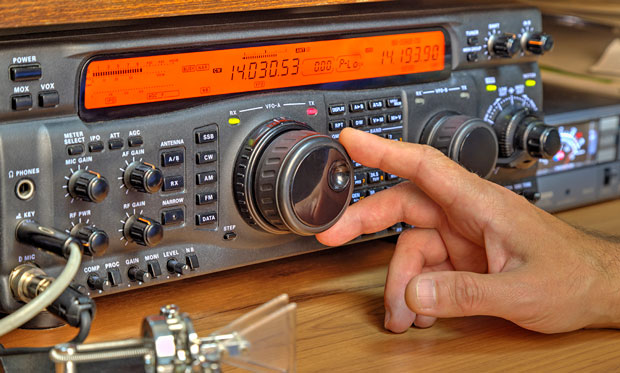
  • HAM vs GMRS: Which Radio Service Is Right for You?

    HAM vs GMRS: Which Radio Service Is Right for You?

    HAM vs GMRS: Which Radio Service is Right for You?

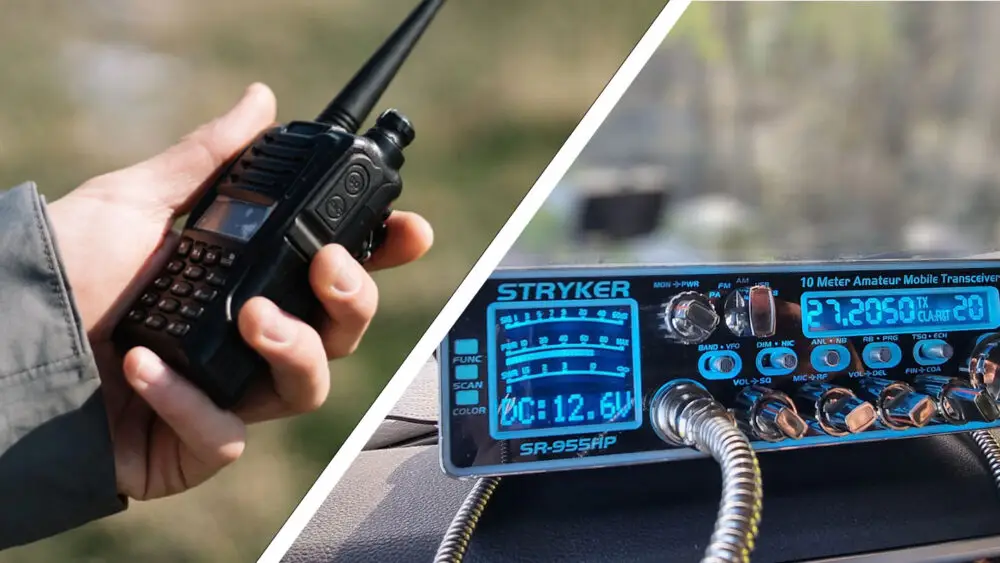
    In the world of two-way radio communication, two services consistently rise to the top for hobbyists, preppers, and outdoor enthusiasts: HAM radio and GMRS. Both offer powerful ways to communicate beyond the range of cell phones and standard walkie-talkies, but they operate under vastly different rules, philosophies, and technical requirements.

    Choosing between them isn’t about finding which one is objectively “better,” but about identifying which service best aligns with your goals, willingness to learn, and intended use. This guide will break down the key differences to help you decide: HAM or GMRS?


    Understanding HAM and GMRS Radio Services

    origin

    HAM Radio (Amateur Radio)

    HAM radio, also known as Amateur Radio, is a licensed service dedicated to experimentation, technical learning, and non-commercial exchange. It’s a hobbyist’s paradise, offering access to a vast spectrum of frequencies—from HF bands that can communicate across the globe to VHF/UHF bands perfect for local repeater use and simplex communication.

    The core of the HAM ethos is self-reliance and technical proficiency. Operators often build their own antennas, experiment with digital modes like FT8 or D-STAR, and provide crucial emergency communication during disasters.

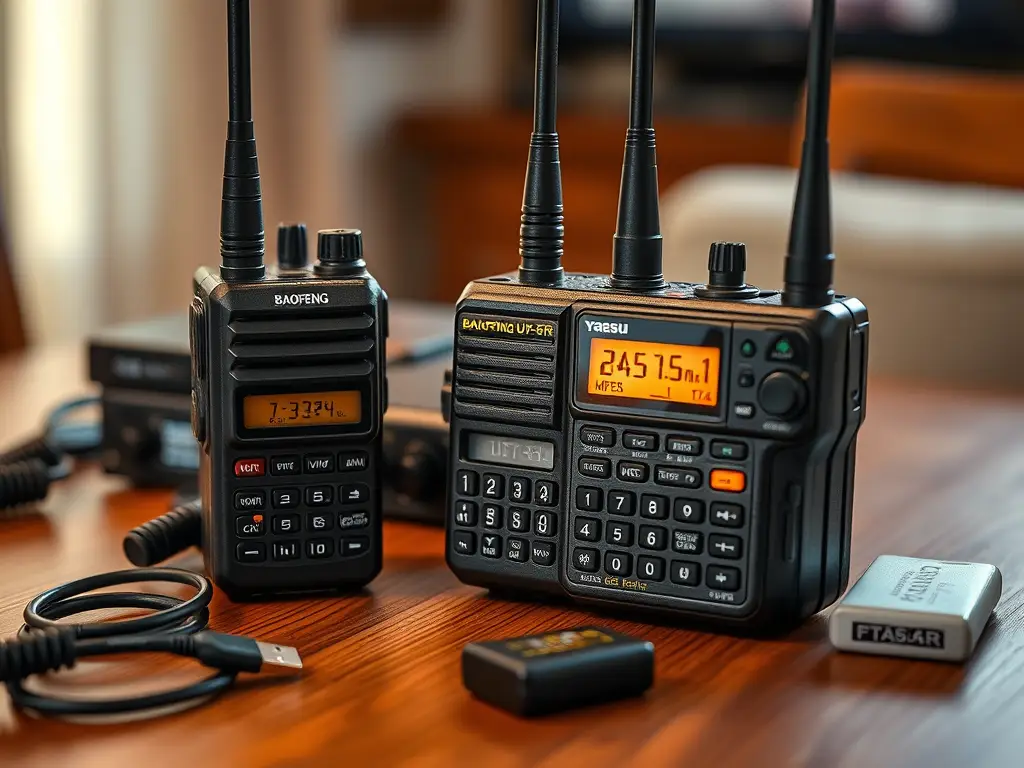
    👉 Recommended Gear: BaoFeng UV-5R Dual Band HAM Radio

    To become a licensed HAM operator, you must pass a government exam that tests your understanding of radio theory, regulations, and operating procedures.


    MXT115 600X400

    GMRS Radio (General Mobile Radio Service)

    GMRS is a licensed radio service designed for short-distance, two-way family communication. It’s much more user-friendly and practical for those who simply want reliable communication without a deep dive into technical details.

    GMRS operates on a specific set of UHF channels (some shared with FRS walkie-talkies) but allows for more power and the use of repeaters. This means a GMRS radio can achieve a much greater range—often 20–30 miles with a mobile unit or repeater.

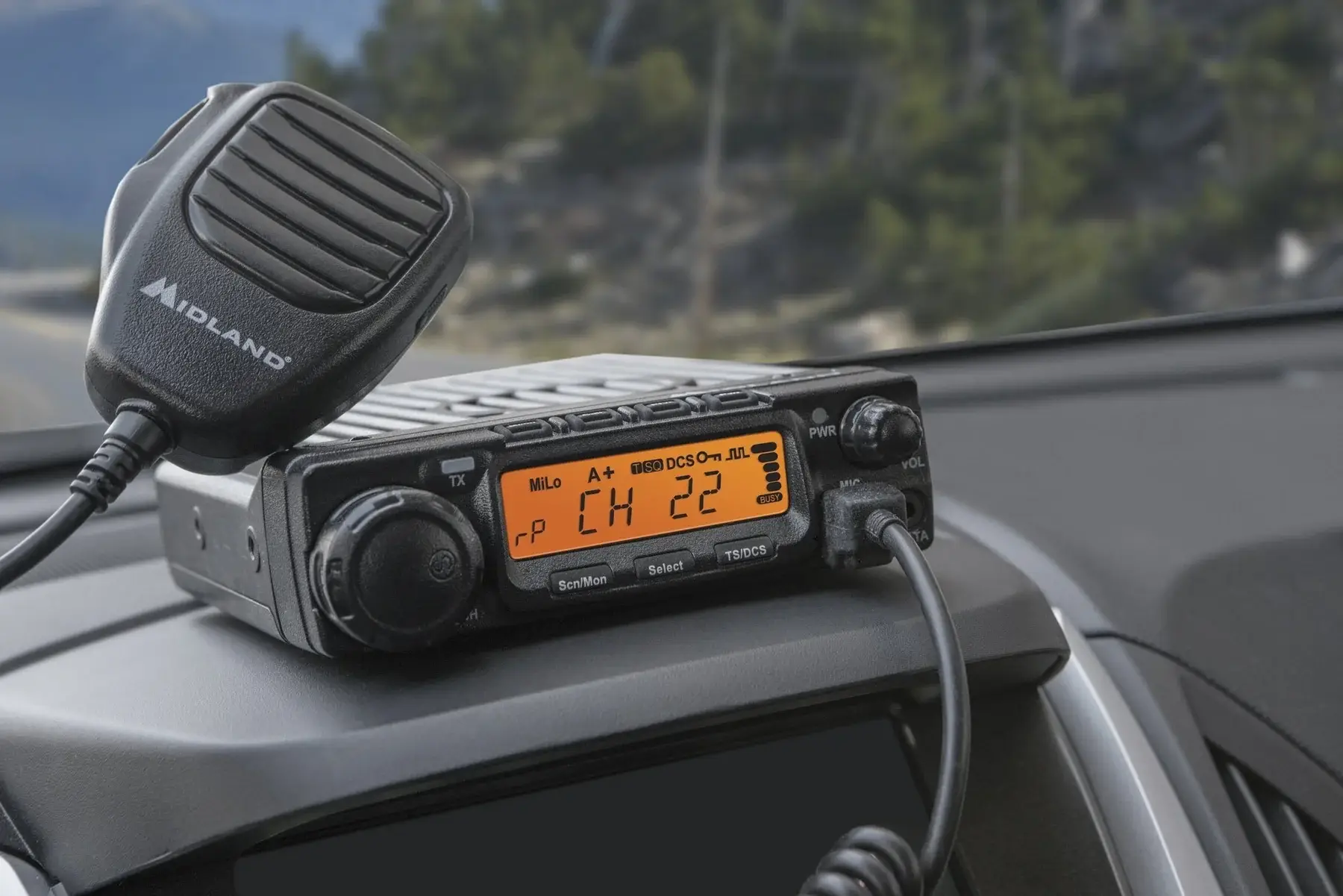
    👉 Recommended Gear: Midland GXT1000VP4 GMRS Two-Way Radio

    Licensing is simple: just pay a fee to the FCC—no exam required—and it covers your entire immediate family.


    HAM vs GMRS: The Core Differences

    • Purpose: HAM = experimentation & global communication. GMRS = practical family/group use.
    • License: HAM requires passing an exam. GMRS only requires a paid license.
    • Frequencies: HAM covers wide ranges (HF, VHF, UHF). GMRS is limited to UHF channels.
    • Power & Range: HAM can reach worldwide. GMRS typically covers up to 30 miles.
    • Ease of Use: GMRS is beginner-friendly. HAM requires study and technical knowledge.

    Choosing the Right Service for Your Needs

    • Pick GMRS if your goal is easy, reliable communication for family outings, road trips, or events. Equipment is simple, and community repeaters expand your range.
      👉 Try: BTECH GMRS-V1 Handheld Radio
    • Pick HAM if you want a deep technical hobby with the potential for worldwide communication and emergency preparedness.
      👉 Try: Yaesu FT-60R Dual Band HAM Radio

    Many enthusiasts choose both—GMRS for simple group communication, HAM for experimentation and global reach.


    Final Thoughts

    Ultimately, the choice between HAM radio and GMRS depends on your personal interests and communication needs. GMRS stands out as the practical, family-friendly solution, while HAM radio offers limitless technical potential and worldwide connections.

    Whichever path you choose, both provide an empowering skill: staying connected when it matters most.


    Affiliate Disclosure: As an Amazon Associate, RadioOpBox.com earns from qualifying purchases. This comes at no extra cost to you, but it helps support our site.

  • A Beginner’s Guide to Programming DMR Radios

    A Beginner’s Guide to Programming DMR Radios


    Stepping into the world of Digital Mobile Radio (DMR) can be both exciting and daunting for newcomers. While the promise of crisp digital audio, robust features, and a worldwide network of repeaters is alluring, the process of programming a DMR radio often feels like learning a secret language. Unlike traditional analog radios, DMR devices require a more structured approach, centered around creating a digital file known as a codeplug.

    This is a beginner’s guide to programming DMR radios and is designed to demystify that process, breaking down the key concepts and providing a clear, step-by-step path to getting your radio on the air. We’ll equip you with the foundational knowledge and practical steps needed to confidently program your first DMR handheld.


    Understanding DMR: Key Concepts and Terminology

    Before you even connect your radio to a computer, it’s crucial to grasp a few core DMR concepts.

    • Codeplug – The “brain” of your radio: a file containing all frequencies, settings, and contacts.
    • Channels – Saved frequencies, each paired with a Color Code (like CTCSS for digital) and Time Slot (TS1/TS2).
    • Talk Groups (TG) – Pre-defined groups of users (e.g., Local, USA Nationwide, Worldwide).
    • Contacts – A saved Talk Group or Radio ID inside your codeplug.
    • Zones – Logical groups of channels you can organize (like “Home Repeaters” or “Travel”).

    This structure—Contacts → Channels → Zones—is the foundation of DMR programming.


    Step-by-Step Guide to Your First Codeplug

    1. Gather Your Tools

    You’ll need:

    • A DMR radio like the AnyTone AT-D878UVII Plus (great for beginners).
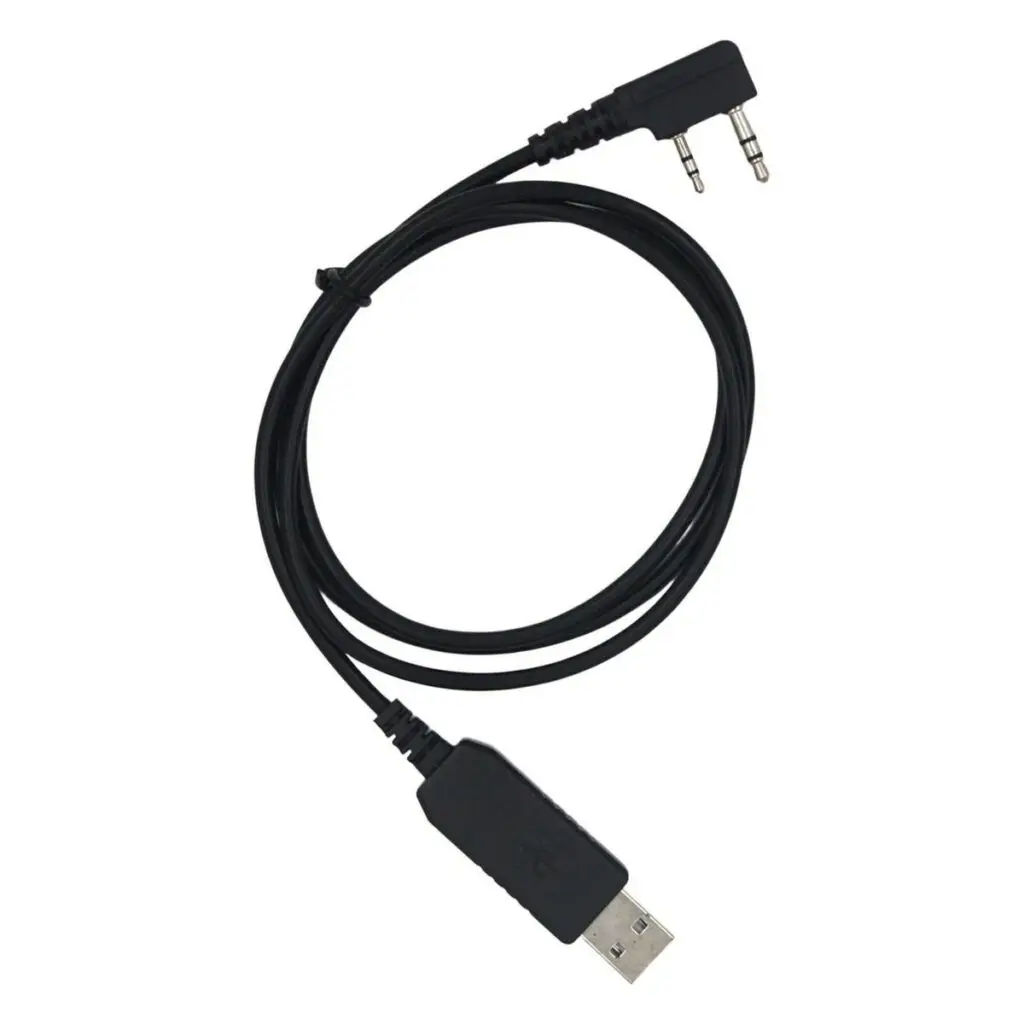
    • A USB programming cable (often included, but you can get a reliable one here).
    • The manufacturer’s programming software, usually free to download.

    Pro Tip: A good starter radio is the Baofeng DM-1702 DMR—affordable, beginner-friendly, and widely supported.

    USB Programing cable for Programming DMR radios

    2. Find a Local DMR Repeater

    Visit RadioReference or your local club’s site to locate:

    • Frequency
    • Color Code
    • Time Slots
    • Talk Groups available

    Write these details down.


    3. Build Your Codeplug

    Inside your software:

    1. Add Contacts (Talk Groups) – e.g., Worldwide 91, USA Nationwide 3100, Local 2.
    2. Create Channels – Enter repeater frequency, Color Code, Time Slot, and assign a Talk Group.
    3. Organize into Zones – Example: “Local Repeaters” zone with your nearby channels.

    4. Upload to Your Radio

    1. Connect your programming cable.
    2. Select Write to Radio in the software.
    3. Disconnect, switch zones, and test your first channel!
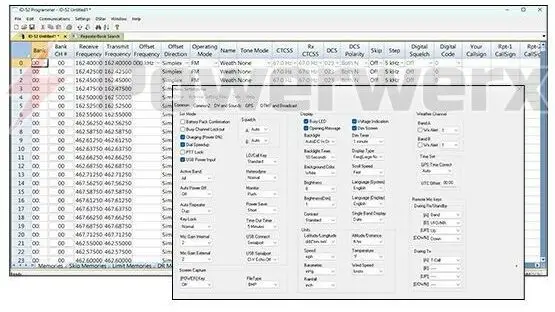
    Beginner DMR programming codeplug

    Tips for Success

    • Start simple with one repeater and a few Talk Groups.
    • Listen first before transmitting.
    • Join a club or online group—the DMR community is welcoming and supportive.

    Recommended Gear for Beginners

    Starter DMR Handhelds:

    Must-Have Accessories:


    Keep Learning with RadioOpBox

    If you’re exploring DMR and handheld gear, check out more helpful guides right here on RadioOpBox.com:


    Final Thoughts

    Programming your first DMR radio is a rewarding milestone that opens the door to global connections and crystal-clear communications. While the learning curve is steeper than analog, the payoff is huge.

    Start small, lean on the DMR community for guidance, and before long you’ll be confidently making worldwide contacts.

    👉 Ready to get started? Grab a DMR radio here on Amazon and take your first step into the world of digital radio!


    Amazon Affiliate Disclaimer

    This site is a participant in the Amazon Services LLC Associates Program, an affiliate advertising program designed to provide a means for sites to earn advertising fees by advertising and linking to Amazon.com.
    Amazon and the Amazon logo are trademarks of Amazon.com, Inc. or its affiliates.
    We are not affiliated with, endorsed by, or sponsored by Amazon in any way.


  • How to Set Up an HT (Handheld Transceiver)

    How to Set Up an HT (Handheld Transceiver)

    If you’re new to HAM radio, one of the first things you’ll want to know is how to set up an HT (handheld transceiver) correctly. HTs are compact, versatile radios used by HAM enthusiasts, preppers, and outdoor adventurers. Getting it set up properly ensures clear communication and a reliable experience every time you transmit.

    This guide from RadioOpBox.com will walk you through how to set up an HT step by step, covering essential programming, accessories, and testing tips.


    Step 1: How to Choose and Set Up Your First HT

    The first step in how to set up an HT is picking the right radio for your needs. Here are some popular beginner-friendly options:

    💡 Tip: You can also check out pre-programmed radios and gear bundles at RadioOpBox Shop if you want everything ready to go.

    (Affiliate Disclosure: Radio Op Box is an Amazon Associate and earns from qualifying purchases.)


    Step 2: Charge and Prepare Your HT

    Before programming your radio, make sure it’s fully ready to go:

    • Fully charge the battery.
    • Securely attach the antenna — a loose antenna affects range.
    • Consider upgrading to a Nagoya NA-771 Antenna for better reception.
    • Keep a spare battery handy to avoid downtime.

    Proper preparation is the first step in how to set up an HT effectively.


    Step 3: How to Program Your HT Frequencies

    Programming frequencies is a key part of how to set up an HT. Include these essential channels:

    HAM Frequencies

    • National Simplex Calling: 146.520 MHz – standard U.S. FM voice simplex.
    • Local HAM Repeaters: Find them on RepeaterBook. Input/output frequencies vary by repeater.
    RepeaterInput (MHz)Output (MHz)Offset
    Example Local Repeater146.940146.340–0.600
    Example Local Repeater147.060147.660+0.600

    NOAA Weather Channels

    FrequencyChannelNotes
    162.400 MHzWX1NOAA Weather Radio
    162.425 MHzWX2NOAA Weather Radio
    162.450 MHzWX3NOAA Weather Radio

    GMRS / FRS Frequencies

    PurposeFrequencyNotes
    GMRS Simplex462.550 MHzRequires GMRS license
    GMRS / FRS Channel462.5625 MHzFamily / group use
    MURS Channel 1151.820 MHzUnlicensed, low-power FM

    💡 Pro Tip: Use CHIRP software and a USB programming cable to quickly load all these frequencies.


    Step 4: Learn the Controls

    Once your frequencies are programmed, understanding the controls is essential in how to set up an HT:

    • Volume & Squelch: Adjust squelch to eliminate static but still hear weak signals.
    • Push-to-Talk (PTT): Press to speak, release to listen.
    • Call Signs: Always identify yourself correctly on HAM frequencies.

    💡 Extra Tip: Label each channel with a name (e.g., “HAM Simplex,” “GMRS Family”) for easy reference.


    Step 5: Test Your HT

    Testing your HT ensures your setup works in real conditions:

    • Make a simplex call on 146.520 MHz.
    • Check into a local repeater net.
    • Compare indoor vs outdoor range.

    Testing is a crucial final step in how to set up an HT.


    Recommended Accessories

    Enhance your experience with these essentials:

    Many of these accessories are also included in the Radio Op Box subscription. Check it out: RadioOpBox.com.


    Bonus: Subscribe for Monthly HAM & GMRS Gear

    Want new radios and accessories delivered to your door every month? Each Radio Op Box subscription box includes gear for HAM and GMRS operators of all levels.

    Learn more or subscribe at RadioOpBox.com.


    Final Thoughts

    Learning how to set up an HT is the foundation of your HAM or GMRS radio journey. Once you’ve charged it, programmed your frequencies, learned the controls, and tested it, you’ll be ready for clear, reliable communication.

    👉 Download the free HAM & GMRS Quick-Start Frequency Guide 📥 from RadioOpBox.com to get your top frequencies pre-listed and ready to program.

    Stay prepared, stay on frequency!
    Radio Op Box

  • 5 Essential HAM Radio Tools You Didn’t Know You Needed

    5 Essential HAM Radio Tools You Didn’t Know You Needed

    When most people think HAM radio, they picture radios, antennas, and maybe a roll of coax. But the truth is, the tools you keep in your kit are just as important as the gear on your desk. The right accessories can save you time, improve performance, and make your whole station more reliable.

    Here are five underrated HAM radio tools that every operator should own.

    1. Antenna Analyzer (or NanoVNA)

    Want to know exactly how your antenna is performing? An antenna analyzer or pocket-sized NanoVNA shows you SWR, resonance, and impedance across the bands. It takes the guesswork out of tuning and helps you squeeze maximum efficiency out of your setup.

    👉 Best for: Tuning base and portable antennas quickly
    👉 Affordable pick: NanoVNA


    2. Coaxial Cable Stripper & Crimper

    Bad coax connections = bad signals. A dedicated coax stripper and crimper ensure you get perfect cuts and strong connector installs every time. No more frayed shields or loose connectors that kill your signal.

    👉 Best for: Building and repairing coax in the shack or field
    👉 Toolkit option: Coax Prep Tool Kit


    3. Anderson Powerpole Connectors

    Standardize your power connections with Powerpoles and you’ll never fumble with bare wires again. They’re the go-to standard for emergency communications, clubs, and portable setups. Once you switch, you’ll wonder how you lived without them.

    👉 Best for: Swapping rigs, portable ops, and emergency comms
    👉 Starter pack: Anderson Powerpole Kit


    4. Portable Mast or Tripod

    Sometimes just a few extra feet makes the difference between static and a solid QSO. A lightweight fiberglass mast or collapsible tripod makes it easy to get your antenna up higher, fast. Perfect for POTA, Field Day, or back-yard experimenting.

    👉 Best for: Field ops and quick setups
    👉 Popular option: Telescoping Fiberglass Mast


    5. Ferrite Chokes & Snap-On Beads

    If you’ve ever had buzzing speakers, noisy computers, or RF in your mic—ferrites are the fix. Snap them on your coax, power cords, and USB cables to instantly cut down interference.

    👉 Best for: Shack noise cleanup and cleaner audio
    👉 Budget-friendly: Snap-On Ferrite Kit


    Final Thoughts

    These aren’t flashy purchases, but they’re the tools that separate the frustrated operator from the confident one. Stock your shack with these essentials, and you’ll spend less time troubleshooting and more time making contacts.

  • 5 Essential GMRS Tools You Didn’t Know You Needed

    5 Essential GMRS Tools You Didn’t Know You Needed

    5 Must-Have GMRS Radio Accessories for Better Performance

    Affiliate Disclaimer: Some of the links below are affiliate links. As an Amazon Associate, I earn from qualifying purchases at no extra cost to you.

    Unlock more range, better performance, and smarter communications with these often-overlooked GMRS radio accessories. Whether you’re new to the hobby or a seasoned comms operator, these five small but powerful tools can make a big difference — and most of them fit right in your pocket.


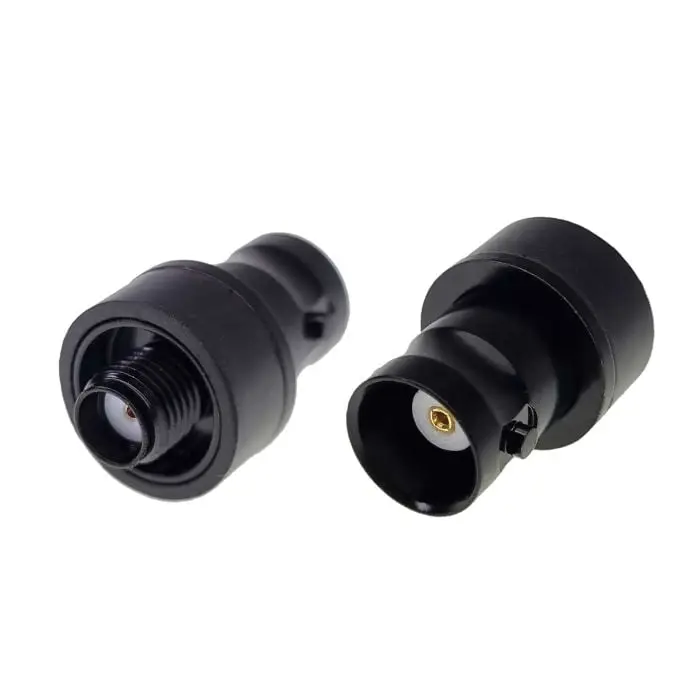
    1. BNC-to-SMA Adapter

    42870.01 a076

    Why You Need It:
    This tiny connector lets you swap antennas on the fly — ideal for testing setups, using an external base antenna, or borrowing a friend’s spare in the field.

    Pro Tip:
    Keep one attached to your HT lanyard or keyring with paracord. You’ll thank yourself later.

    Grab it here: BNC-to-SMA Adapter on Amazon


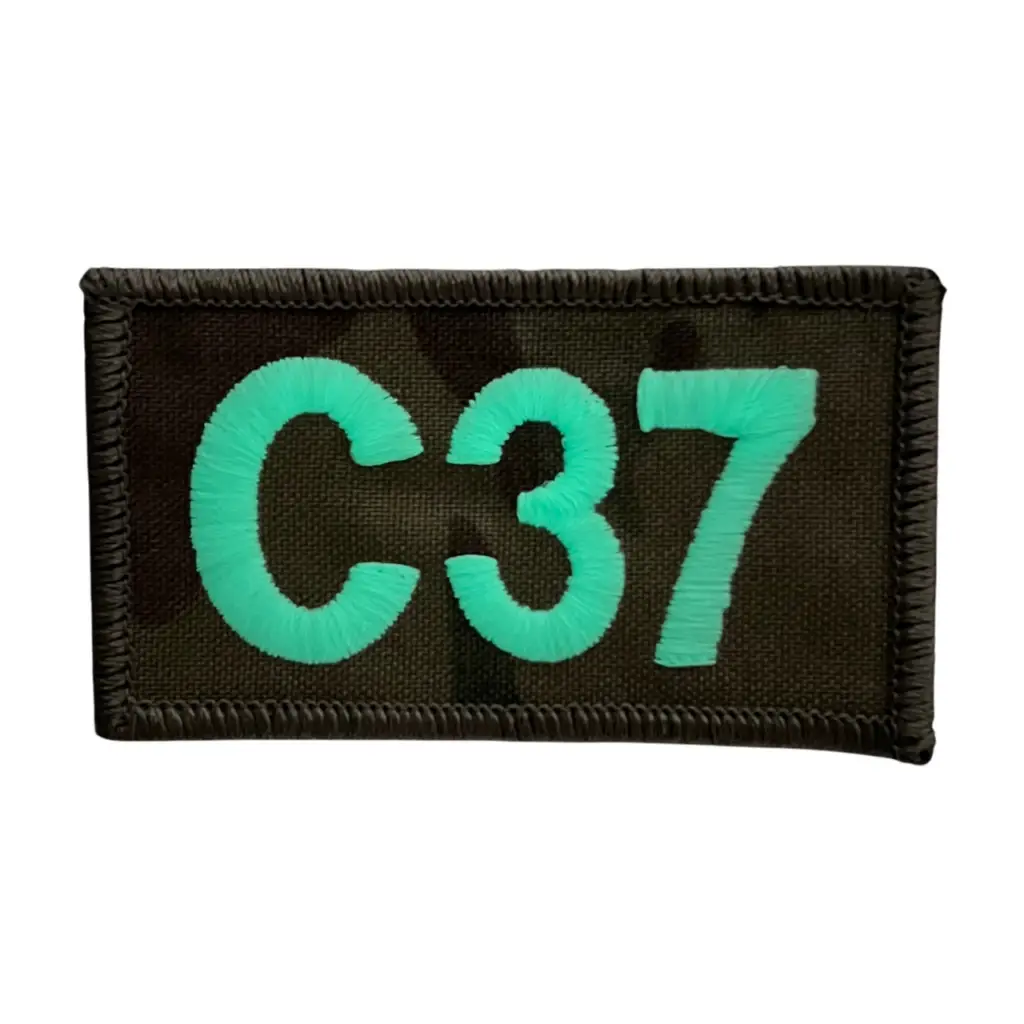
    2. Glow-in-the-Dark Call Sign Patch

    196327a0 7087 4bac a7fe 228cb5a89211 19827

    Why You Need It:
    Make your call sign visible during nighttime operations or meetups. These Velcro patches stick to bags, hats, vests, or your go-bag — showing you’re a licensed operator.

    Bonus Tip:
    If asked for your license info, this patch proves you’re a real operator.

    Buy here: Call Sign Patch on Amazon


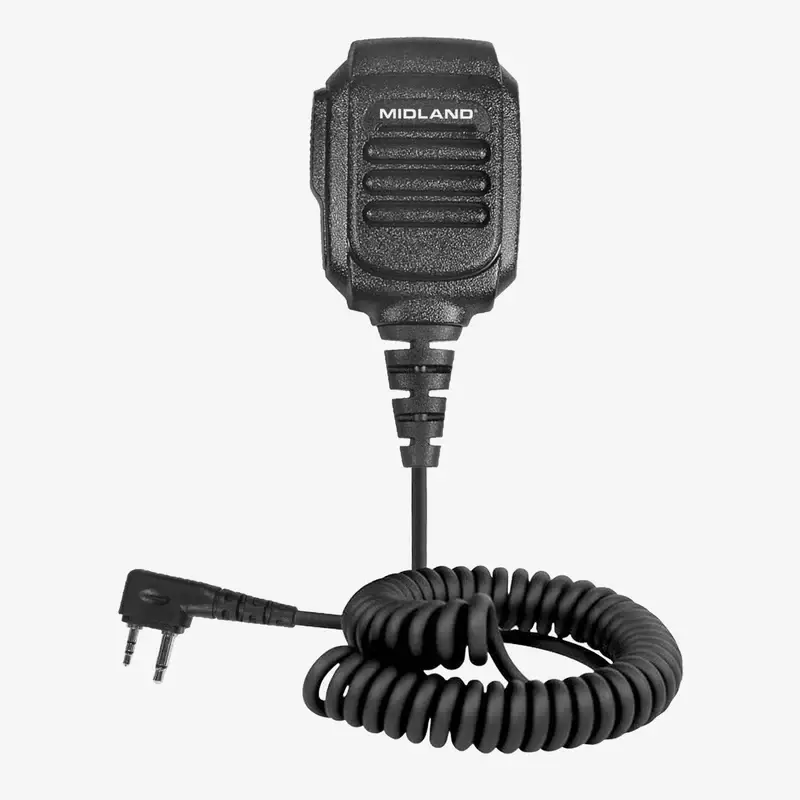
    3. Speaker Mic

    1AVPH10frontwchord

    Why You Need It:
    Tired of holding your HT to your ear during long nets or mobile use? A speaker mic clips to your shirt or pack, keeping your hands free.

    Use Case:
    Perfect for driving, working events, or walking a trail while staying connected.

    Check it out: Speaker Mic on Amazon


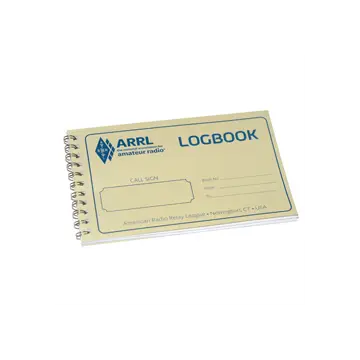
    4. Waterproof Log Sheet

    arrl mini logbook

    Why You Need It:
    Jot down call signs, frequencies, or net info fast — and don’t rely on a flimsy scrap of paper in the rain or field.

    Where to Get It:
    Radio Op Box subscribers receive a pre-printed log sheet each month with Q-codes, simplex frequencies, and handy fields.

    Subscribe here: Radio Op Box Subscription


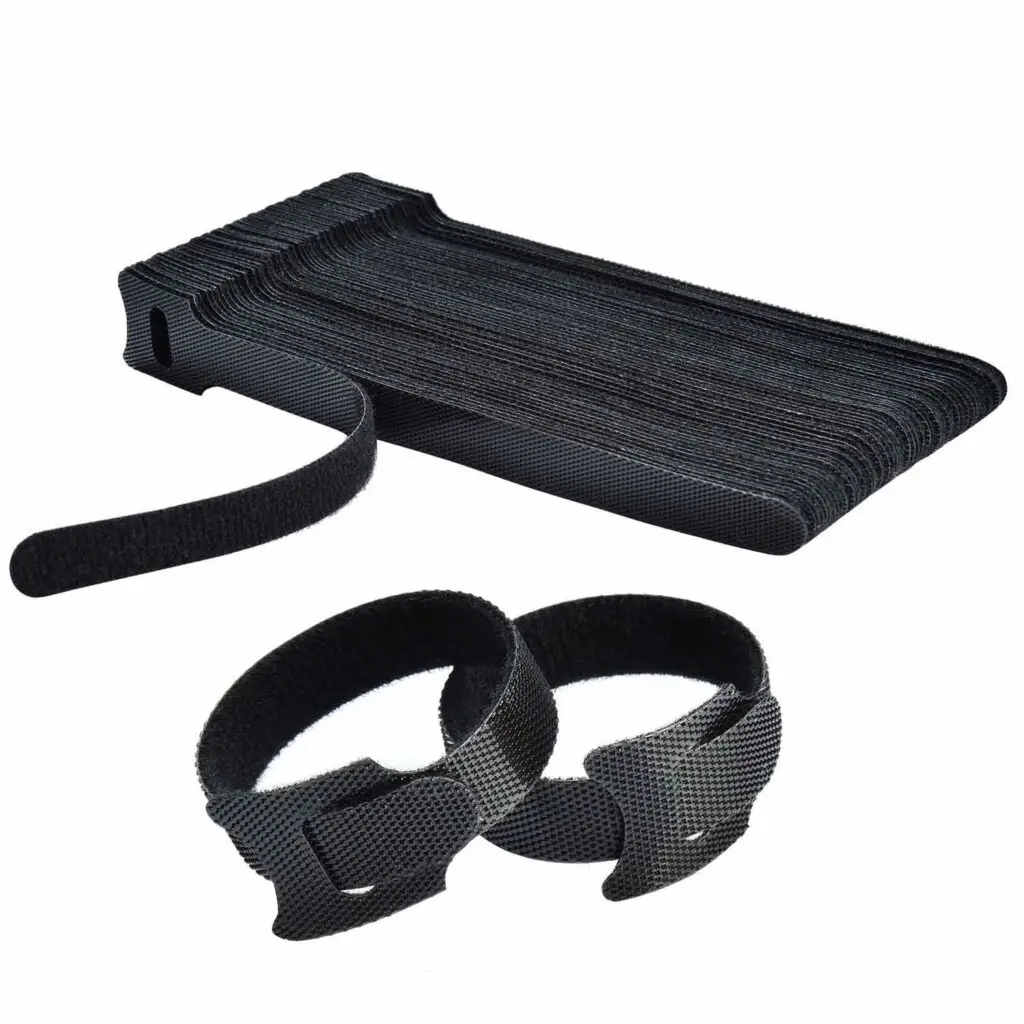
    5. Velcro Cable Ties

    71cZ16PbOL

    Why You Need It:
    Organize coax cables, USB charge cords, antenna leads, or guy lines. Reusable Velcro ties save time, reduce tangles, and make your setup look professional.

    Field Tip:
    Label one with your call sign for bonus operator points.

    Purchase here: Velcro Cable Ties on Amazon


    Final Thoughts

    Most of these tools are small, cheap, and easy to carry — but together, they help you operate more efficiently, communicate clearly, and look like a pro.

    Want these kinds of items delivered monthly to your shack?
    👉 Join The Radio Op Box — Get curated GMRS/HAM gear + tips, every month.